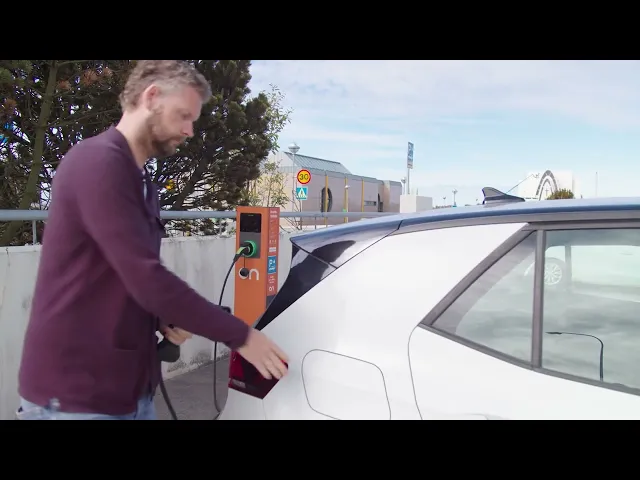
Charging stations and the ON app - everything you need to know
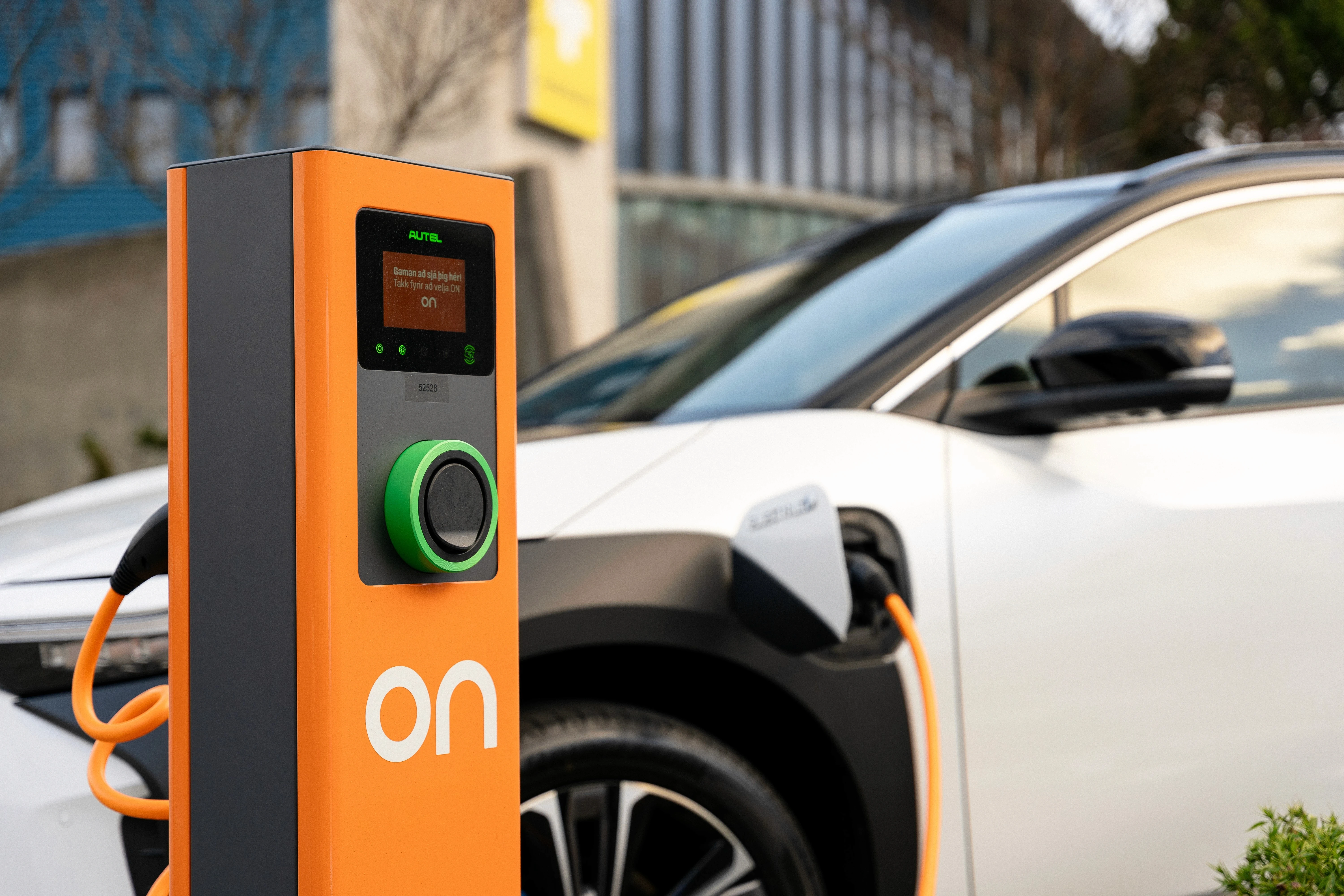
How to charge at an AC charging station

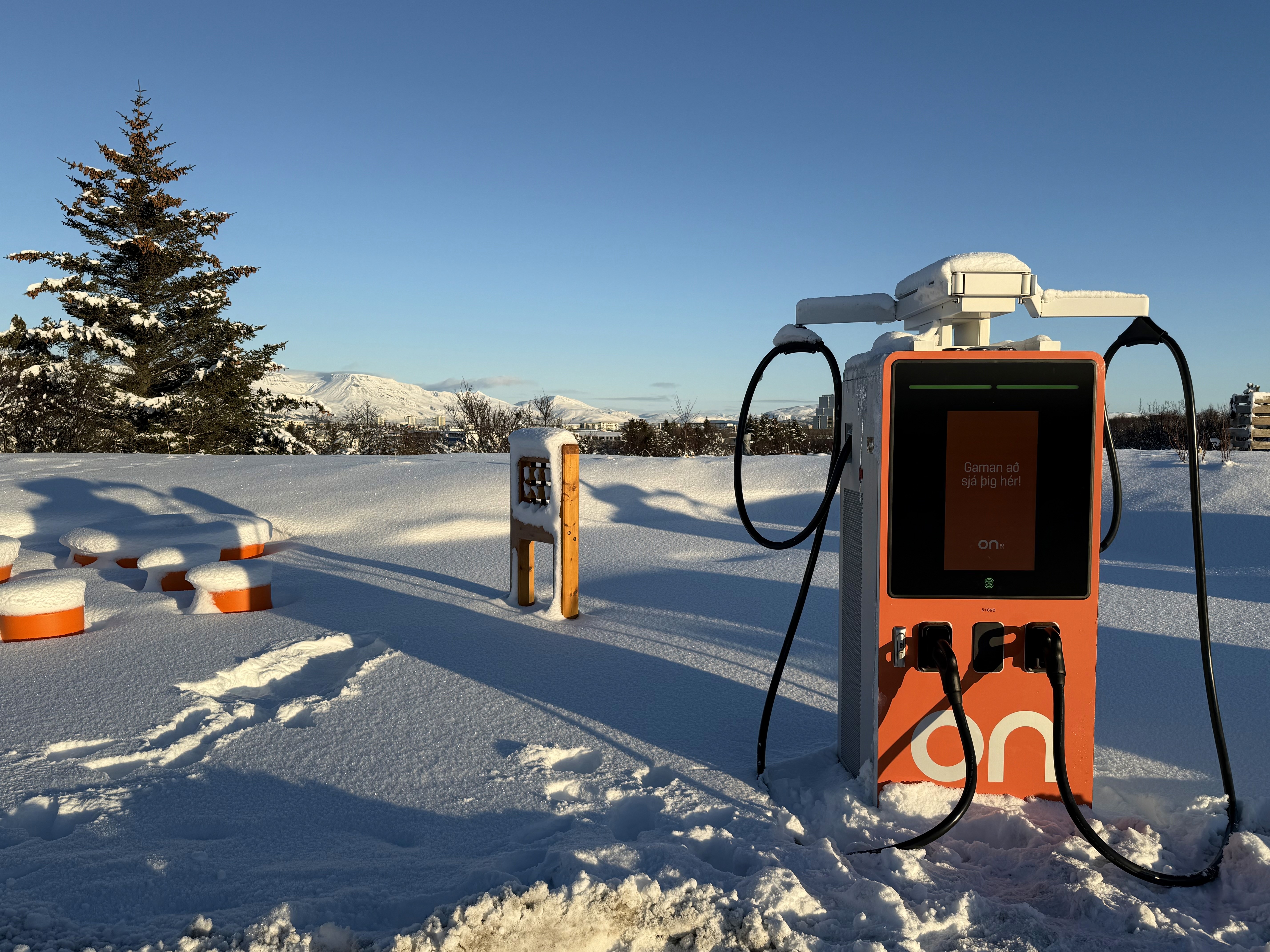
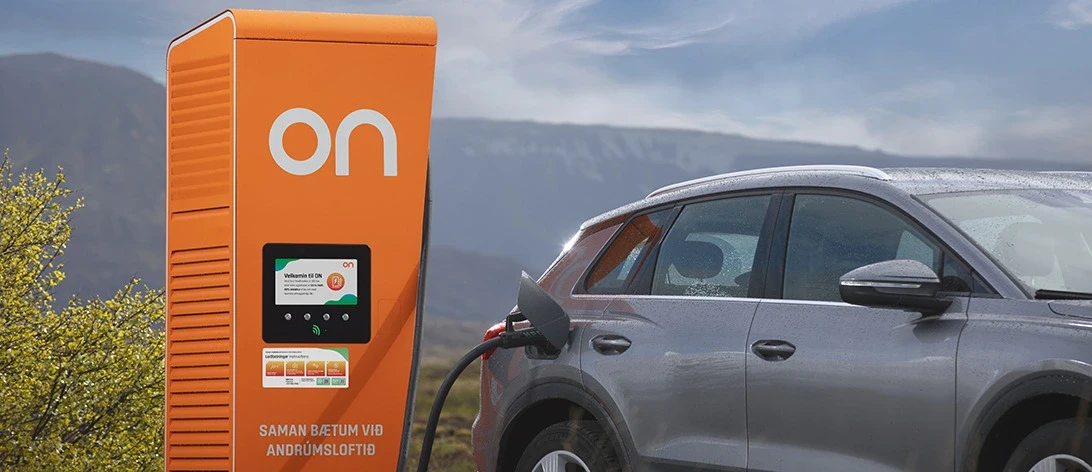
How to charge at a fast charging station (DC)
Is the cable stuck?
If the charging cable is stuck, follow these steps:
1. Unlock the car
The cable may be locked while the car is locked or still charging
2. Check if charging is still active.
If charging is ongoing, stop the charging session
3. If the cable is still stuck in the charging station:
Plug the cable back into the car.
Start charging for a short moment
Stop the charging again
4. Remove the cable:
First unplug the cable from the car
Then unplug the cable from the charging station
My ON key does not work?
Check the status of your ON key(s)
Open the ON app and go to Account
Select My ON keys to view the status of your key(s)
Inactive key?
Activate it by tapping Activate an ON key
Could your payment card be expired?
Please check in the ON app under Account and My Wallet
How do I pay for my charging sessions?
It is simple!
Payment is made with a payment card that you register under Account in the ON app.
To add a payment card, go to My Wallet, Payment cards, and tap the + icon.
You can also choose to receive a monthly invoice for charging in your bank account.
Where to find an ON charging station?
You can view them in the ON app or on the map on our website, where you can also see whether the stations are available or in use.
If you need any assistance, our charging support phone line is open 24/7, and everyone is welcome to contact us: +354 591 2700.